QuickSnip

Screen Recording for Product Teams

Ship Faster With Async Video Updates

Replace status meetings with 2-minute screen recordings. Share product demos, design feedback, and sprint updates instantly. Your team watches on their own time.

  • Free Plan Available
  • No Credit Card Required
  • Works On Mac & Windows

Built For How Product Teams Work

Every feature designed to eliminate meeting overload.

Async Sprint Updates

Record a quick walkthrough instead of scheduling a standup. Share progress on features, flag blockers, and keep stakeholders in the loop without pulling everyone into a call.
Visual Design Feedback

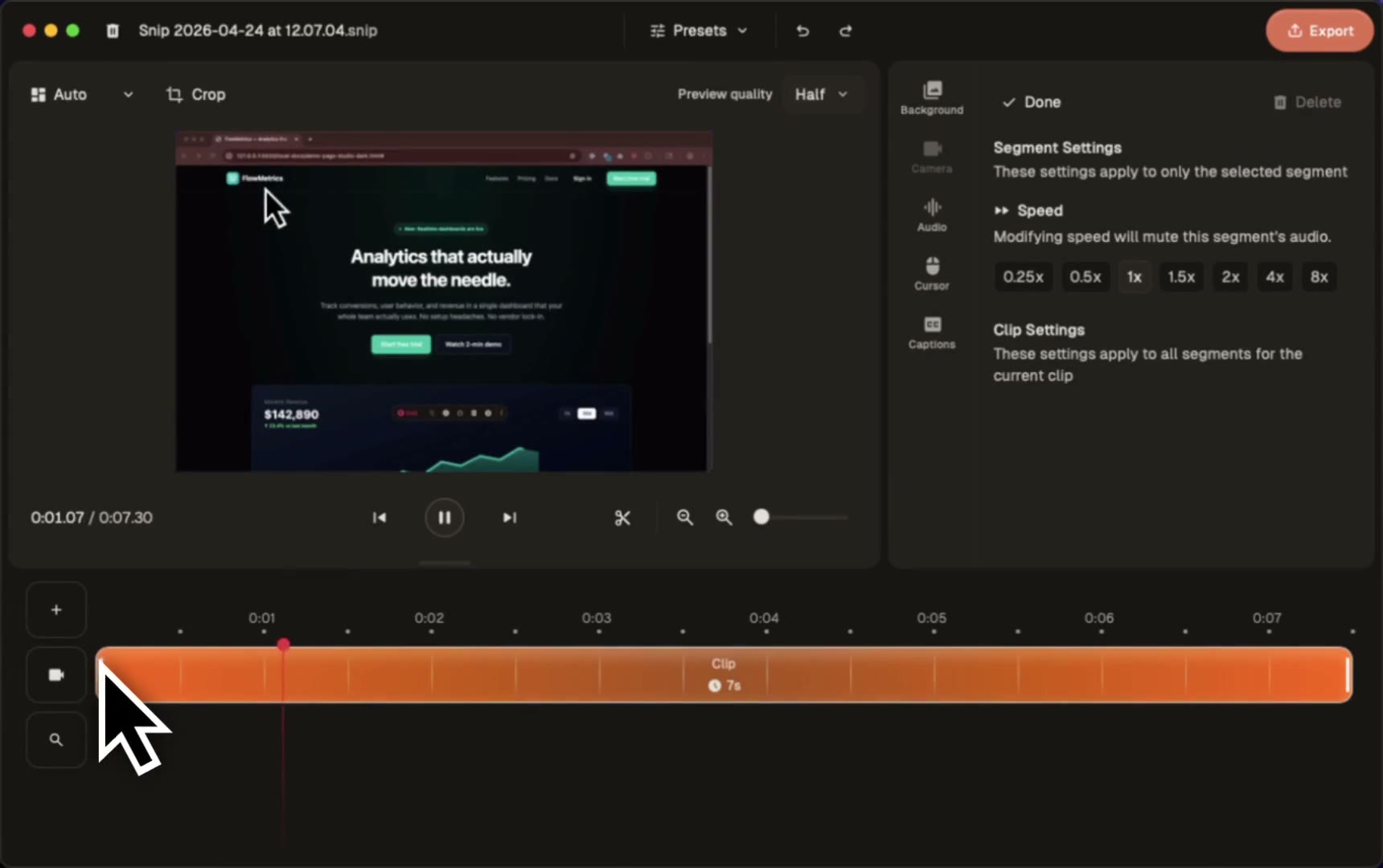
Show exactly what you mean with screen recordings. Point at the pixel, explain the change, and share with designers and engineers. No more ambiguous Slack messages.

AI-Generated Transcripts

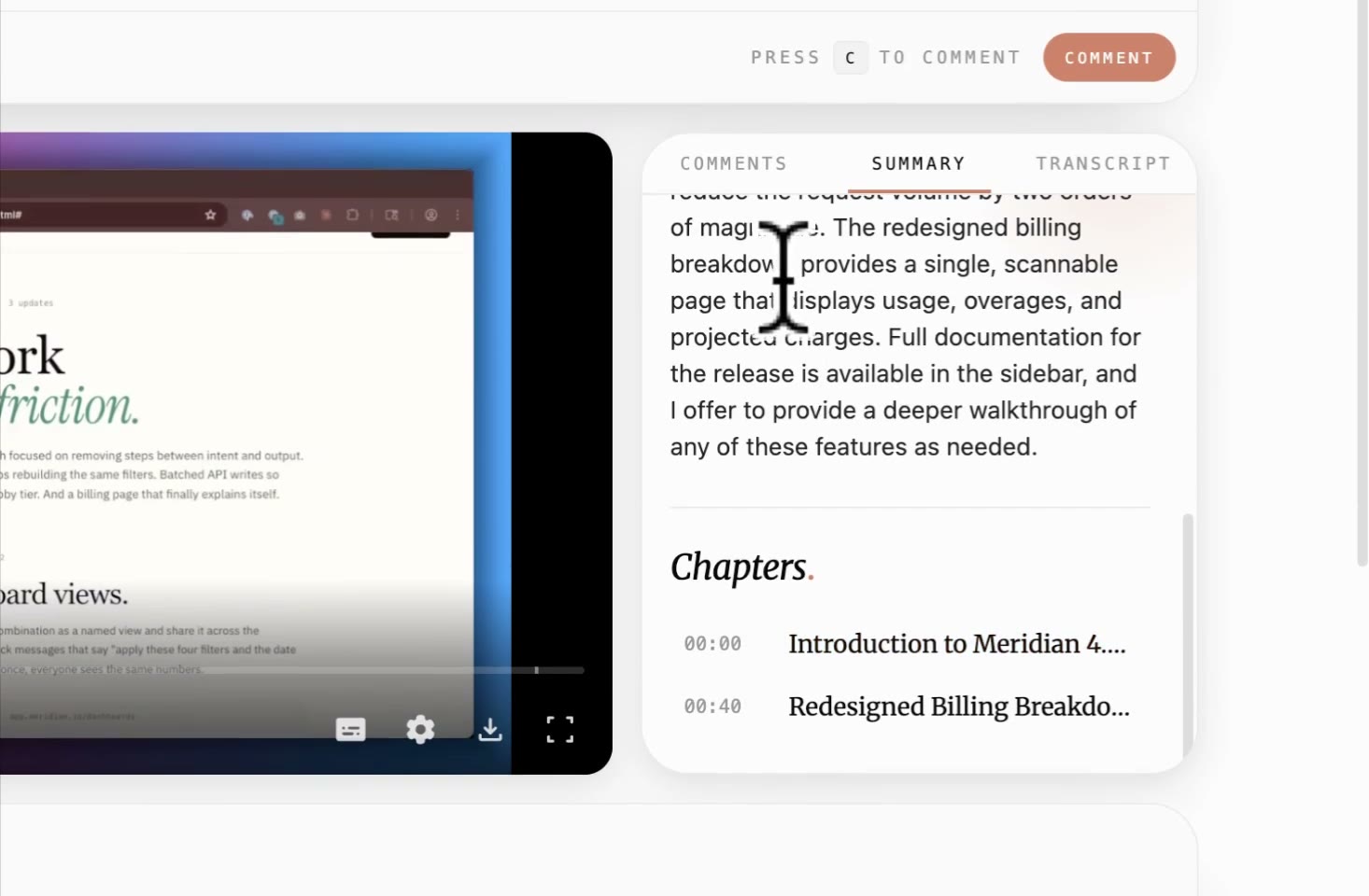
Every recording gets an automatic transcript on paid plans. Search past decisions, reference requirements, and build a knowledge base of product context.

Instant Shareable Links

Hit stop, get a link. Share via Slack, Notion, Linear, or email. No file downloads, no rendering waits. Your team watches in any browser.

QuickSnip vs. Loom For Product Teams

Same workflow. Fraction of the cost per seat.

QuickSnip
Loom
Price per UserFrom $5/mo (annual)$15/mo (Business)
4K Recording$5/mo (Pro)$15/mo (Business)
AI Summaries & ChaptersPro & TeamBusiness + AI ($20/mo)
Offline RecordingStudio Mode (all plans)Limited
Unlimited RecordingsAll plans25 videos on free plan
Password ProtectionPro & TeamBusiness plan only

Why Product Teams Choose QuickSnip

Less time in meetings. More time building the product.

01

Replace PRDs Nobody Reads

A 3-minute video walkthrough communicates more than a 10-page document. Record yourself walking through mockups, annotating requirements, and explaining edge cases. Engineers actually watch these.

02

Cut Cross-Team Handoff Friction

Product-to-engineering handoffs break when context gets lost in text. Record a demo of the expected behavior, share the link in your ticket, and let engineers replay it as many times as they need.

03

Run Fewer Meetings, Ship More Features

Every status meeting that becomes a recording saves 30 minutes for every attendee. Multiply that across a week and your team gets hours back for actual product work.

04

Build A Searchable Product Knowledge Base

AI transcripts make every recording searchable. Six months from now, find the exact recording where you discussed that pricing decision or that edge case in onboarding.

Download Free

Frequently Asked Questions

Common questions from product teams evaluating QuickSnip.

What's the best screen recorder for product managers?

QuickSnip is built for async product communication. Record sprint updates, design walkthroughs, and product demos with instant sharing links. AI transcripts make recordings searchable, and pricing starts at $5/month per user (billed annually) compared to Loom's $15/month.

Can I use QuickSnip for product demo recordings?

Yes. Record polished product demos in Studio Mode with editing tools, or use Quick Mode for fast walkthroughs that share immediately. Add a webcam overlay to put a face to your demo.

How does QuickSnip integrate with our product workflow?

Share recording links anywhere: Slack, Notion, Linear, Jira, Confluence, or email. Every recording gets a unique URL that plays in any browser. No plugins or integrations needed.

Can multiple team members use QuickSnip?

Yes. The Team plan ($8/month per user, billed annually) includes shared workspaces and team invites so everyone collaborates in one place. Individuals can also start on Pro at $5/month and upgrade to Team anytime as the team grows.

Is QuickSnip secure enough for internal product discussions?

Yes. Password-protect any recording on Pro and Team plans. Recordings are stored securely in the cloud with password-protected sharing links.

Ship Products, Not Meeting Invites

Replace your next status meeting with a 2-minute recording. Your team will thank you.

  • Free Plan Available
  • No Credit Card Required
  • Works On Mac & Windows